NodeSpark Wallet · Multi-chain Web3 wallet
One wallet for every EVM chain
Hold, send, and swap tokens on Ethereum, BNB Chain, Polygon, Arbitrum, Optimism, Base, and any other EVM network. When a dApp asks for a wallet, scan its WalletConnect code.
Non-custodial · Biometric unlock
Every EVM network. One address.
Ethereum, BNB Chain, Polygon, Arbitrum, Optimism, and Base are built in. Add any other EVM network with its RPC URL, or let a dApp add it, and your address stays the same. Swap at the better of the 0x and 1inch quotes, or move tokens to another network in one step through LI.FI.


+ any other EVM network you add by RPC URL
Your keys never leave your phone
- 01Non-custodial: we can't move your funds
- 026-digit PIN plus fingerprint or face unlock
- 03Locks itself when the app goes to the background
- 04Every WalletConnect request waits for your approval
Open a dApp like Uniswap or OpenSea, pick WalletConnect, and scan the code with NodeSpark. You can also paste the wc: link if you're on the same phone. Step-by-step WalletConnect guide
Get NodeSpark Wallet
Free on Google Play. Create a wallet or import the one you already have from a seed phrase.
Download on Google PlayThen open any dApp, pick WalletConnect, and scan. Read the guide
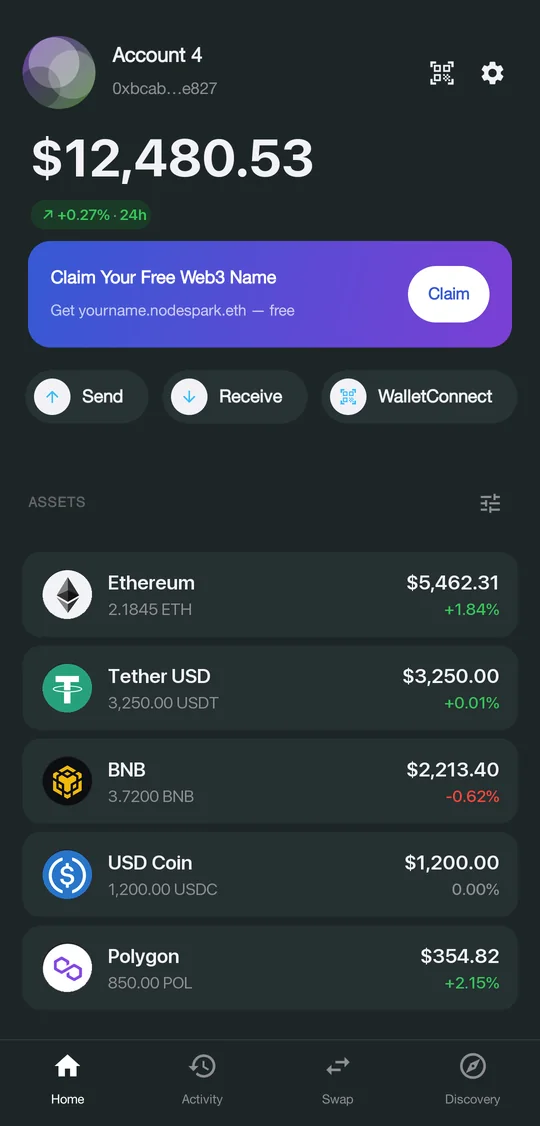
Everything in the app
Swap and cross-chain
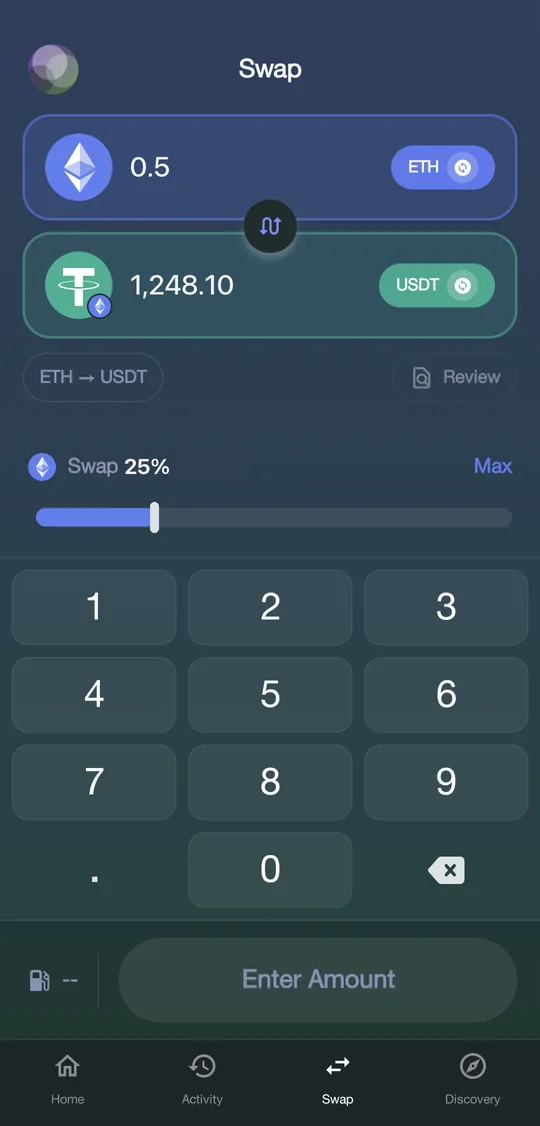
Swap without leaving the app. The wallet asks 0x and 1inch for a price and shows you the better one, and moves tokens to another network in one step through LI.FI.
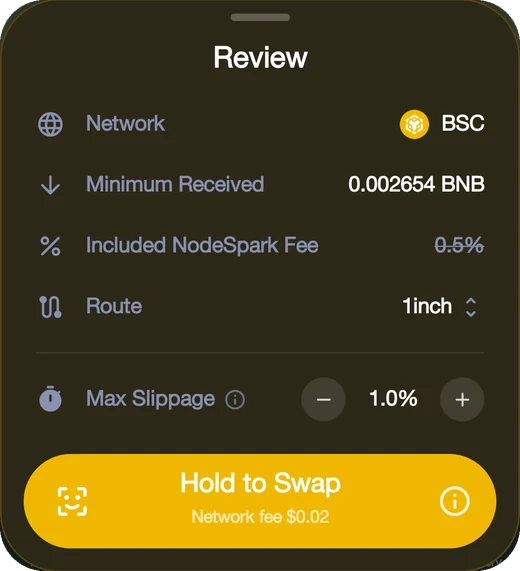
Before you hold to swap, the review sheet shows the network, the minimum you'll receive, the route, and your max slippage.
Read the guide- WalletConnect
- Scan a dApp's QR code or paste its link to connect. Each signature request shows up in the wallet for you to approve or reject.
- Keys stay on your phone
- Private keys are encrypted on the device. The app is locked with a PIN or your fingerprint and locks itself again when you switch away.
- Send and receive
- Send coins and ERC-20 tokens to an address or an ENS name. You see the network fee before you confirm.
- Custom tokens
- Paste a contract address to add any token. Balances and USD values update on their own.
- Multiple accounts
- Create new accounts or import old ones from a seed phrase or private key, and switch between them in a tap.
- Notifications
- Your phone gets a push notification when tokens arrive, and every transaction shows its status.
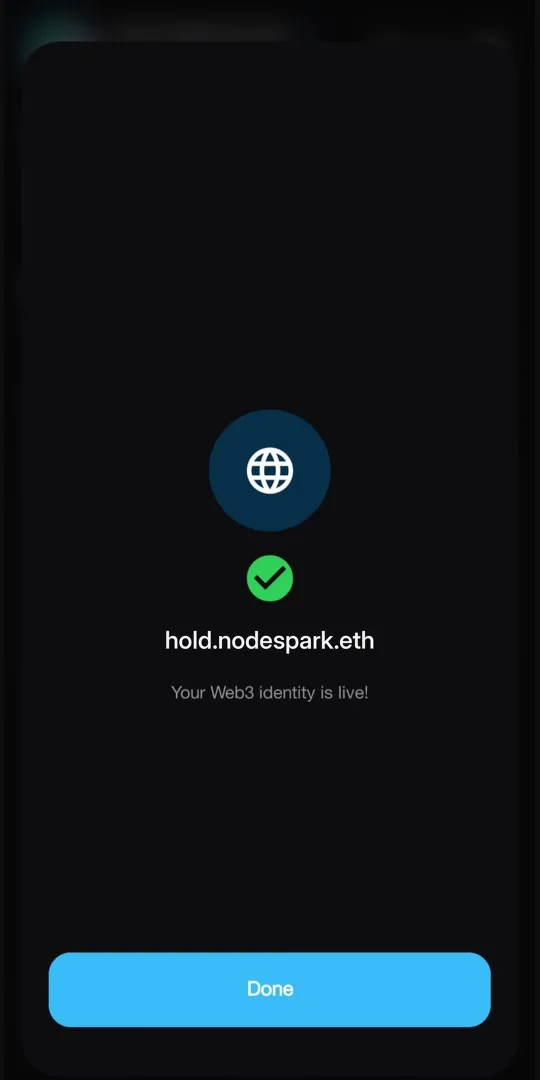
yourname.nodespark.eth
A free .nodespark.eth name
Claim yourname.nodespark.eth in the app and share it instead of a long 0x address.
Guides
See all guides- 01How to connect to a dApp with WalletConnectConnect NodeSpark Wallet to Uniswap, OpenSea, PancakeSwap, or any other dApp that supports WalletConnect. Takes about a minute.
- 02How to swap crypto tokensSwap tokens on Ethereum, BNB Chain, Polygon, Arbitrum, Optimism, or Base inside NodeSpark Wallet, or move them to another network in one step. The app compares 0x and 1inch, and uses LI.FI across networks.
- 03How to add a custom ERC-20 token to your walletToken not showing up? Add any ERC-20 or BEP-20 token to NodeSpark Wallet with its contract address, on any supported network.
- 04How to import a MetaMask or Trust Wallet accountMove from MetaMask, Trust Wallet, or another EVM wallet to NodeSpark Wallet with your 12-word recovery phrase or a private key. You keep the same addresses.
- 05How to send crypto from your walletSend ETH, BNB, POL, USDT, USDC, or any other token from NodeSpark Wallet to an address or an ENS name. You see the network fee before you confirm.
Common questions
What is NodeSpark Wallet?
It's a non-custodial multi-chain crypto wallet. You can hold, send, swap, and receive coins and ERC-20 tokens on Ethereum, BNB Chain, Polygon, Arbitrum, Optimism, Base, and any other EVM network. Download it on Google Play.
Can I swap tokens in the app?
Yes, on every supported network. The wallet gets quotes from 0x and 1inch, shows you the better price, and you sign the swap from your own wallet. You can also swap into a token on another network, for example USDT on BNB Chain to ETH on Base; LI.FI finds the bridge.
Is it non-custodial?
Yes. Your private keys and seed phrase are created and encrypted on your phone. They are never sent to NodeSpark, so we can't move your funds and neither can anyone else.
Which blockchains are supported?
Any EVM network. Ethereum, BNB Chain, Polygon, Arbitrum, Optimism, and Base are built in, and you can add any other EVM chain with its RPC URL. If a token you hold doesn't show up, add it with its contract address.
How do I connect to a dApp?
On the dApp, choose WalletConnect. Then scan the QR code in NodeSpark (or paste the link) and approve the connection.
Can I import a wallet I already have?
Yes. Use your seed phrase or a private key. You can keep several accounts in the app and switch between them.
How is the wallet protected?
With a 6-digit PIN and, if your phone supports it, fingerprint or face unlock. The app locks again when it goes to the background.